


AI marketing studio for jewelry brands: campaign images, hero videos, and your Shopify store
Turn the pieces in your Branvas catalog into a set of campaign images for Instagram, TikTok, Pinterest and email, a cinematic hero video for your storefront, or a complete Shopify store. Pick the moment, pick the products. No studio, no designer, nothing to upload.
What is Branvas Marketing Studio? It is the AI content workspace inside Branvas, the private-label jewelry dropshipping platform. It generates campaign images from your catalog in six formats, renders a hero video for your storefront from a chosen setting and model, and builds a complete Shopify store through SiteMuse. Everything runs on the AI credits included in a Branvas plan, from $29 a month.
Three tools, one catalog
Every output starts from the jewelry already in your Branvas store, so the piece in the picture is the piece you sell. Choose by outcome.
Campaign images for launches, seasons and refreshes
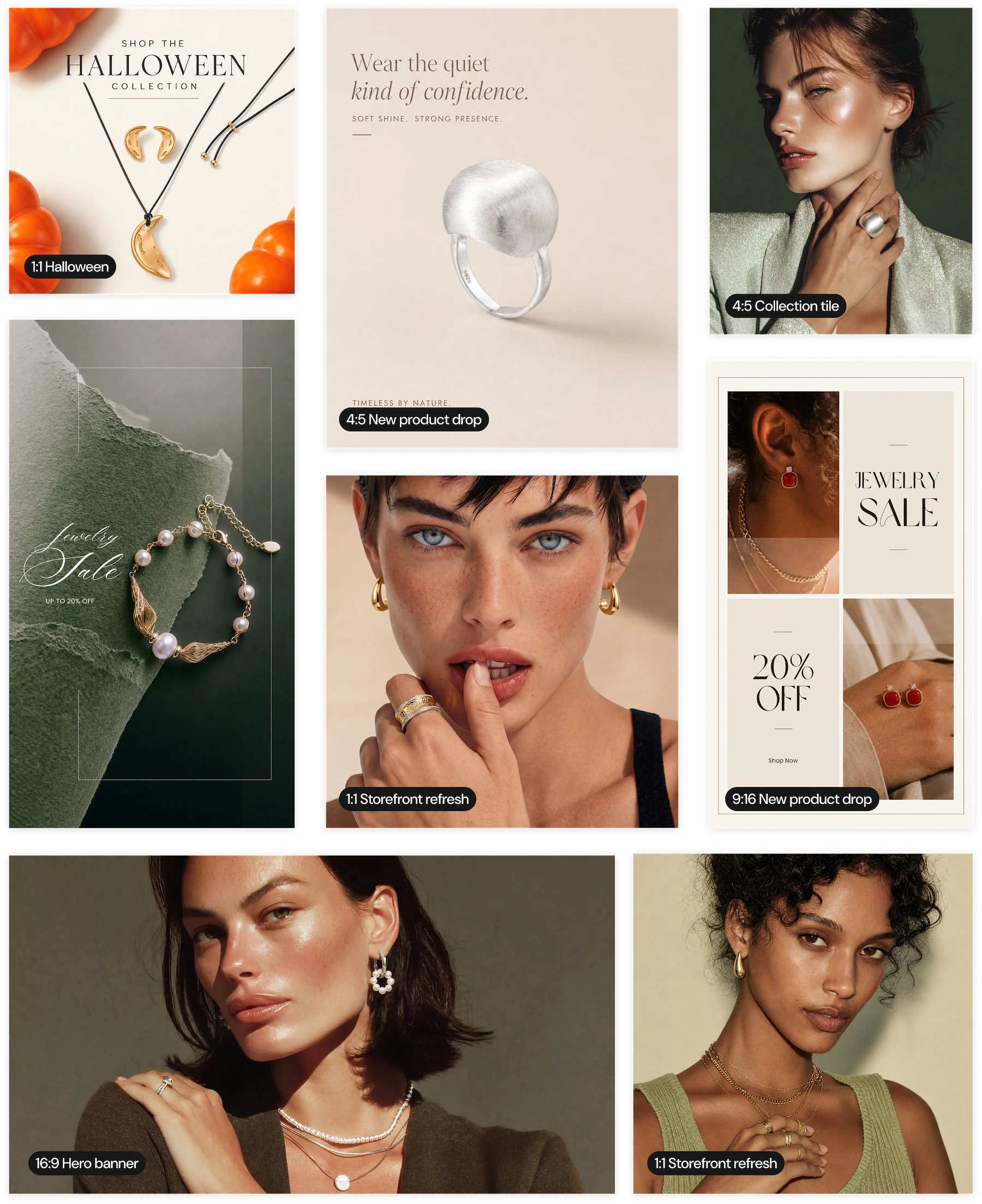
A matching set of images for one product or a batch, sized for every channel at once. Three campaign types: Storefront refresh, New product launch, Seasonal campaign.
A premium hero video for your storefront
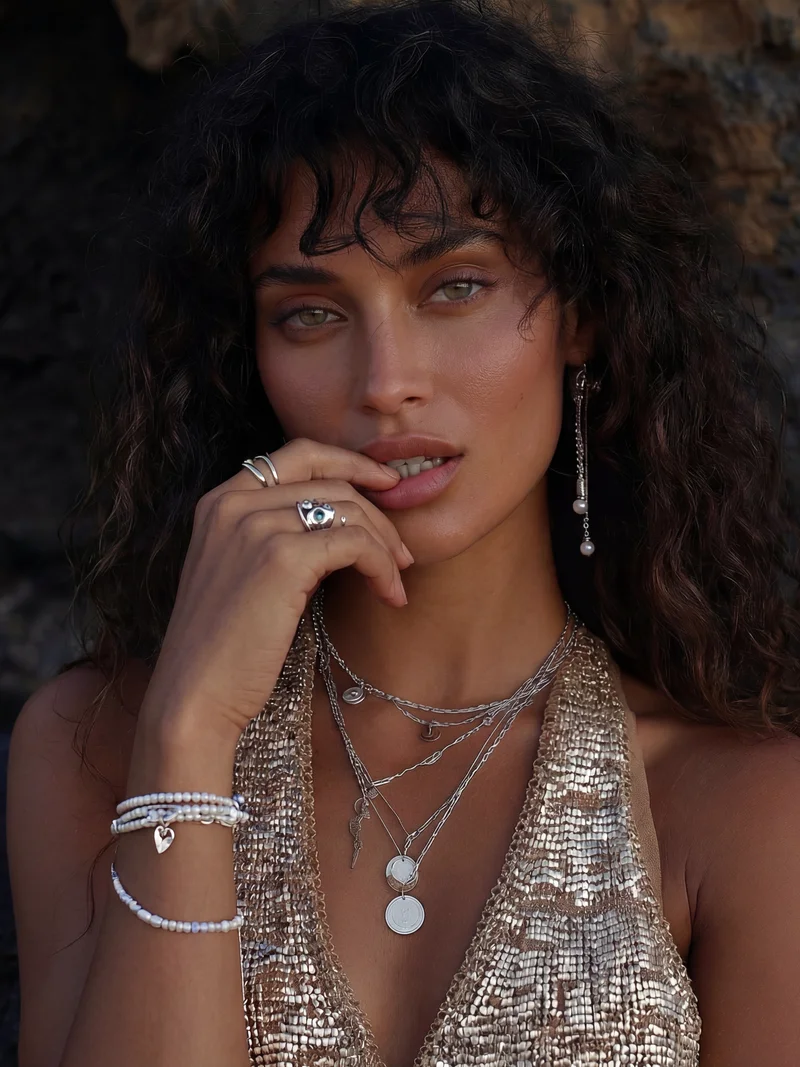
A cinematic clip for the top of your home page. Pick a setting and a model; Marketing Studio renders the video with your jewelry on the model.
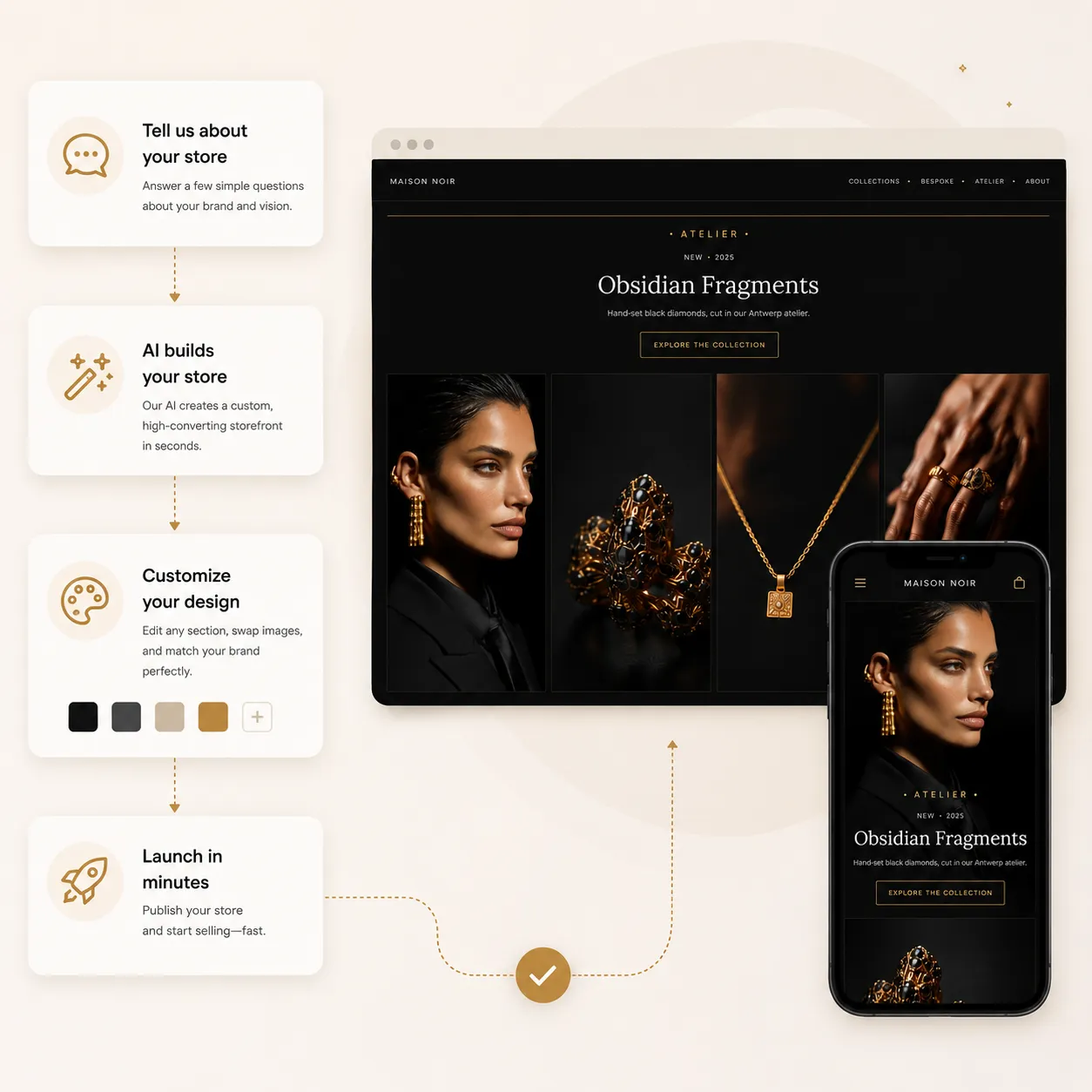
Build your entire Shopify storefront
Opens SiteMuse, the Branvas AI Shopify store builder. Pick a style and a cast of models and get a complete store: design, copy and layout, as a real Shopify theme.
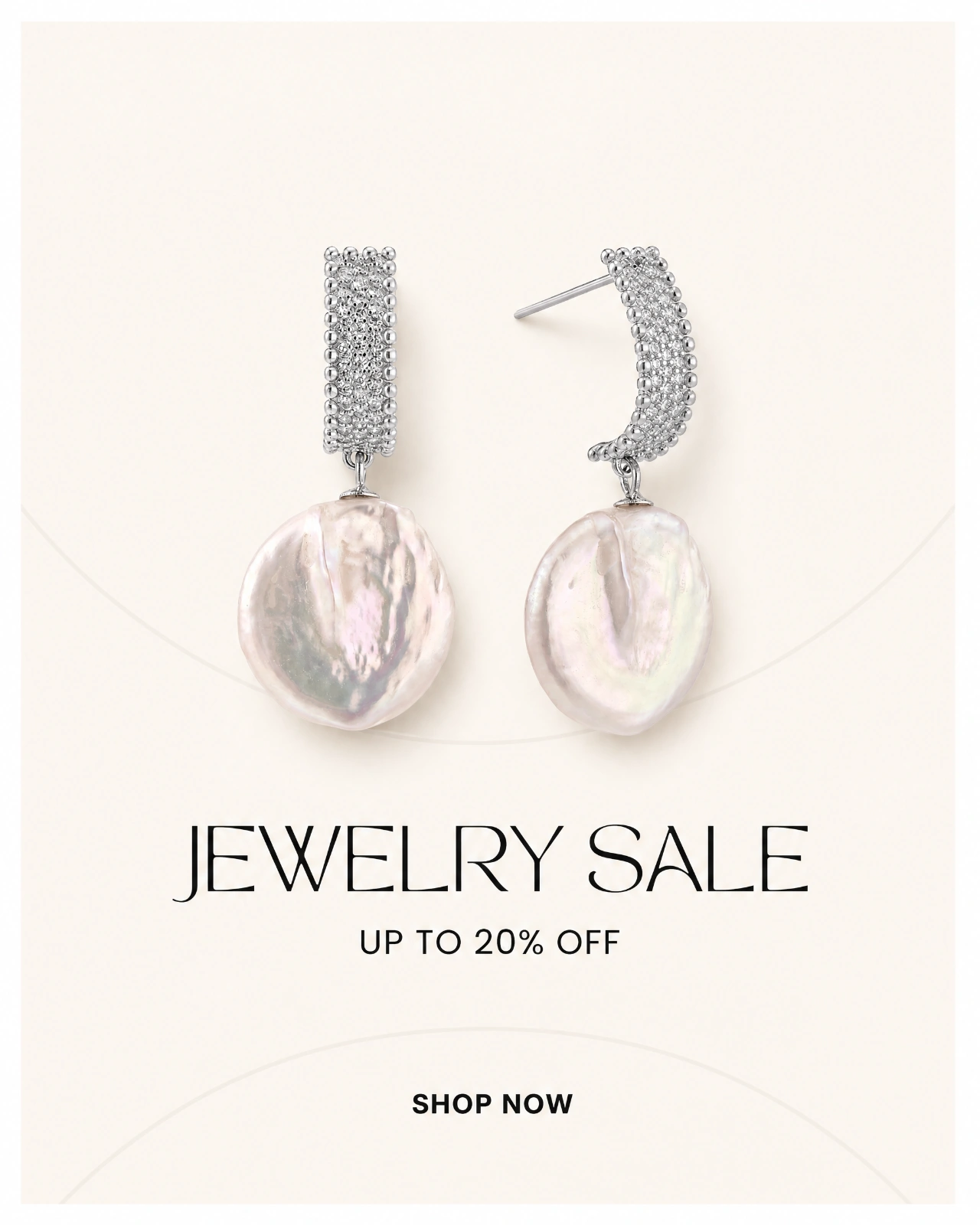
Built for the three moments jewelry actually sells in
Launches, holidays and storefront refreshes. Each flow is shaped around what that moment needs, so you spend the afternoon picking pieces, not fighting a design tool.
Storefront refresh · for keeping things fresh
Refresh your homepage, product tiles and socials with a consistent look. No occasion required. Looks: Editorial, Minimal, Warm studio.
New product launch · for a product that's new
Announce a single piece or a fresh batch. Marketing Studio builds a matching set that introduces it everywhere your customers are. Presets: First drop, Spring launch, Back in stock.
Seasonal campaign · for a moment worth marking
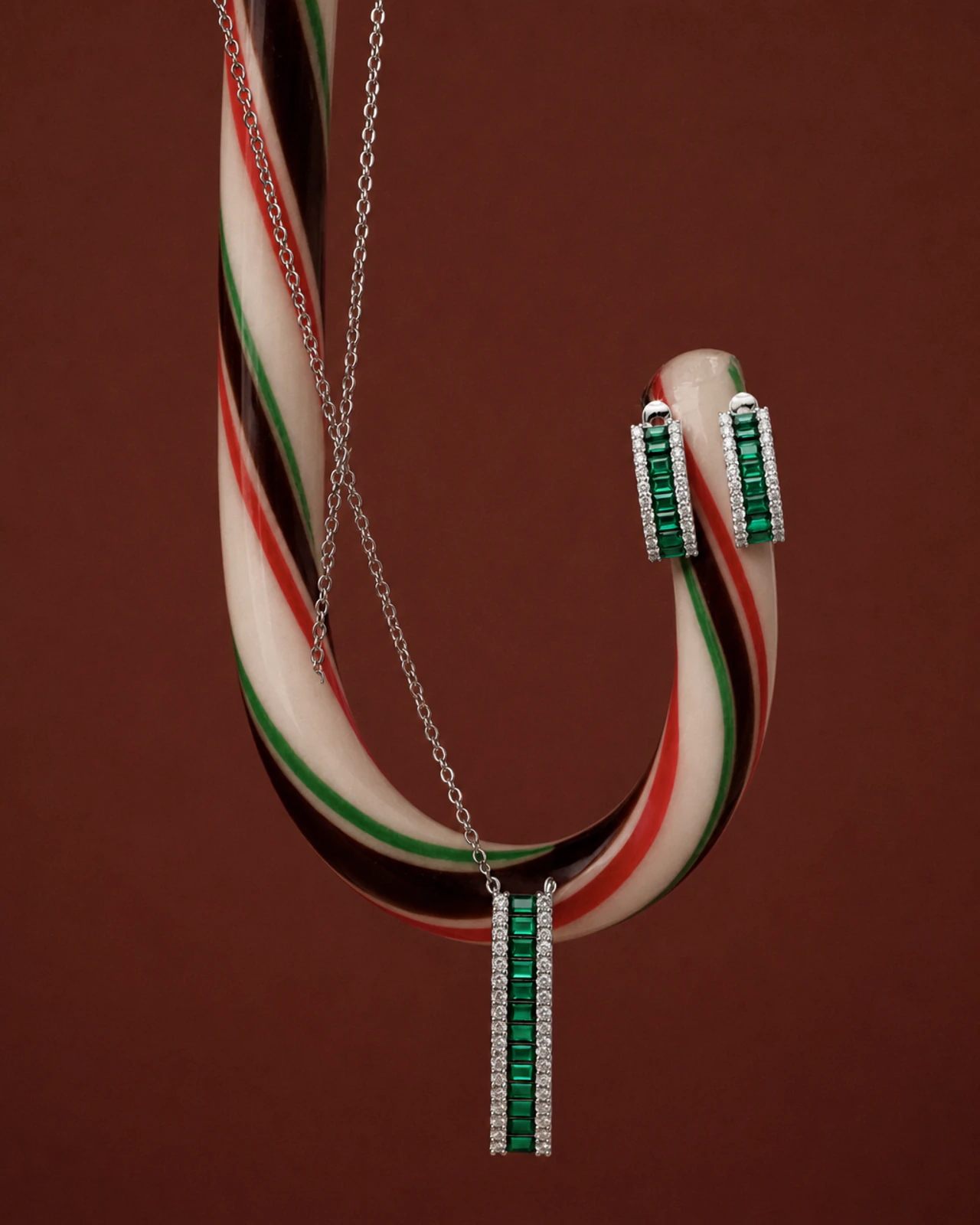
Pick the moment, pick the products. 11 seasonal moments, each pre-tuned with its own palette, mood and copy, including Mother's Day, Valentine's, Summer, Holiday and Black Friday.
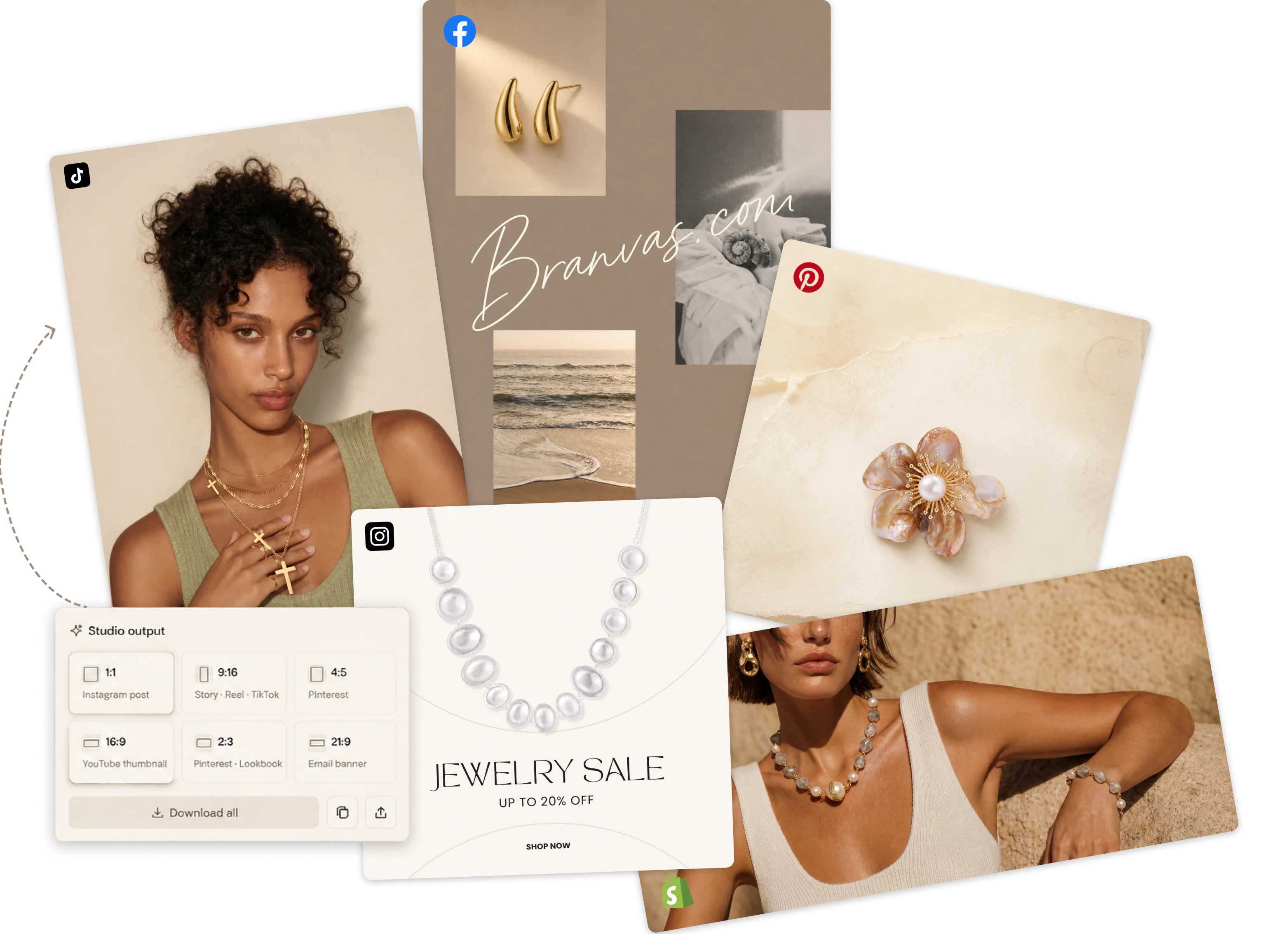
Six formats, one generation
Select several formats at once and get one image per format. No cropping, no resizing afterwards.
| Format | Shape | Where it goes |
|---|---|---|
| Square | 1:1 | Instagram feed, Facebook, Meta ads, product tiles |
| Vertical | 9:16 | Instagram Stories and Reels, TikTok |
| Portrait | 4:5 | Instagram feed (full-height), Facebook feed |
| Pin | 2:3 | |
| Landscape | 16:9 | Email headers, Google Display, YouTube thumbnails |
| Banner | Wide | Shopify homepage hero, collection headers, lookbook tiles |
A cinematic hero section, without a film crew
The hero is the first thing a shopper sees on your Shopify home page, and a static stock photo is what most dropshipping stores put there. Marketing Studio renders a short cinematic video of a model wearing your pieces in one of three settings, so the top of your store looks like a brand shoot.
Riviera Coast
Sunlit coastal path, sea and bougainvillea. Summer collections, resort and vacation jewelry.
Garden Estate
Manicured grounds and soft daylight. Bridal, pearls, romantic and heirloom pieces.
Golden Dunes
Warm sand and low sun. Gold, bold statement pieces, editorial looks.
Pick a setting, pick a model, generate. Drop the file into your theme's hero video block, or let SiteMuse place it when it builds your store.
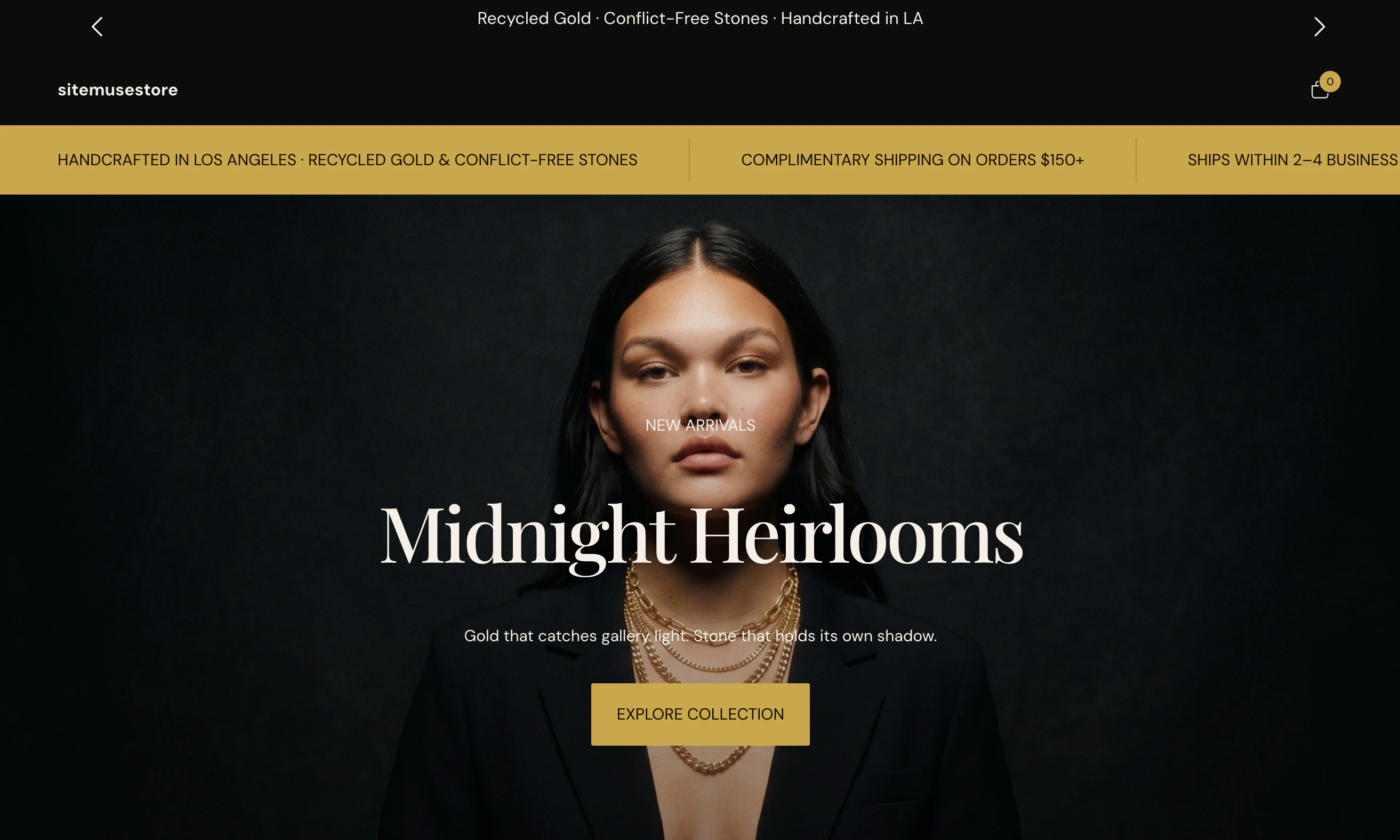
Build the whole storefront with SiteMuse
Marketing Studio's store builder opens SiteMuse, the Branvas AI store builder for Shopify. You make two choices, a style and a cast of models, and SiteMuse generates a complete store: pages, product imagery, copy and layout, output as a real Shopify theme you can edit in the Shopify theme editor.
30 AI credits per build
One build produces the full store. Preview it at no cost; a one-time fee applies when you publish the theme to Shopify.
Same catalog, same models
The pieces and models in your store match the ones in your campaign images and hero video, so the brand reads as one thing across every surface.
From catalog to campaign in three steps
The same flow runs campaign images and the hero video. There is no prompt box and nothing to upload.
Pick the moment
Choose Storefront refresh, New product launch or Seasonal campaign, then a preset: a look such as Editorial, a launch type such as Back in stock, or a moment such as Mother's Day. For video, pick a setting and a model.
Pick the products
Select the pieces from your Branvas catalog. The Studio already has the product imagery for all 900+ styles, so the SKU in the image is the SKU in your store.
Generate and download
Choose the formats you want and generate. Download each finished image or video from the Studio; every generation stays in your History tab, filterable by images and videos.
Runs on the AI credits in your Branvas plan
Credits are shared across Marketing Studio campaigns, AI model photos in Brand Studio, and SiteMuse builds. Your remaining balance is always shown in the Studio.
| Plan | Price | AI credits / month | Covers |
|---|---|---|---|
| Growth | $29/mo | 5 | Campaign images and hero video; 3-day free trial |
| Scale | $79/mo | 40 | Campaign images, hero video, one SiteMuse build (30 credits) with credits to spare |
| VIP | $149/mo | 100 | Campaign images, hero video, multiple SiteMuse builds |
Marketing Studio versus the alternatives
A general AI image generator does not know your products. A photographer and a designer know them but cost a shoot per campaign. Marketing Studio sits in between: your exact SKUs, a consistent brand look, and every format in one pass.
| Marketing Studio | General AI image tools | Canva-style templates | Photographer + designer | |
|---|---|---|---|---|
| Shows your actual SKU | Yes, from your Branvas catalog | No, generic or prompted jewelry | Only if you supply photos | Yes |
| Input required | Pick a preset and products | Write and iterate prompts | Design each layout | Brief, shoot, retouch, layout |
| All channel formats at once | Yes, six formats | One at a time | Manual resize per template | Manual |
| Hero video | Yes, three settings | Separate video tool | Stock clips only | Video shoot |
| Full Shopify store | Yes, via SiteMuse | No | No | Separate developer |
| Consistent look across campaigns | Same models, same catalog | Varies per prompt | Depends on you | Depends on budget |
Good fit
- Shopify, WooCommerce or Wix stores selling Branvas private-label jewelry who post to Instagram, TikTok or Pinterest at least weekly.
- Boutiques and creators launching seasonal drops who need Mother's Day, Valentine's, holiday and Black Friday creative without a designer.
- New stores that need a hero section, product tiles and first campaign on the day the store goes live.
Not the right tool
- You sell products that are not in your Branvas catalog. The Studio only works with catalog pieces.
- You need editable layered design files. Outputs are finished images and video, not templates.
- You want to write your own prompts. Presets carry the palette, mood and copy direction by design.
Marketing Studio questions
What is Branvas Marketing Studio?
Marketing Studio is the AI content workspace inside Branvas, the private-label jewelry dropshipping platform. It does three things: generates campaign images from the products in your catalog, generates a cinematic hero video for your storefront, and builds a complete Shopify store through SiteMuse. Every output uses your own catalog pieces, so the jewelry in the image is the jewelry you sell.
What kinds of campaign images can I create?
Three campaign types. Storefront refresh restyles your homepage, product tiles and socials in an Editorial, Minimal or Warm studio look. New product launch announces a single piece or a batch (First drop, Spring launch, Back in stock). Seasonal campaign is tied to a moment: Mother's Day, Valentine's, summer, holiday, Black Friday and other seasonal moments, 11 in total, each with its own palette and mood.
What image sizes does Marketing Studio generate?
Six formats: Square, Vertical, Portrait, Pin, Landscape and Banner. They cover Instagram feed and stories, TikTok, Pinterest, email headers and storefront banners. You can select several formats at once and get one image per format from a single generation.
What is the hero video and where do I use it?
A short cinematic video meant for the hero section at the top of your storefront. You pick a setting (Riviera Coast, Garden Estate or Golden Dunes) and a model, and Marketing Studio renders the video with your jewelry. It is designed to replace a static hero image on a Shopify home page.
How does the Shopify store builder work?
The store builder is SiteMuse, Branvas's AI Shopify store builder. From Marketing Studio you open SiteMuse on Shopify, pick a style and a cast of models, and it generates a complete store, design, copy and layout, as a real Shopify theme. A build costs 30 AI credits.
Do I need design or photography experience?
No. There is no prompt to write and nothing to upload. You pick a campaign type, a preset, your products and the formats you want; Marketing Studio produces the finished images or video. The presets carry the palette, mood and copy direction.
How do AI credits work in Marketing Studio?
Marketing Studio runs on the AI credits included in your Branvas plan: 5 per month on Growth ($29), 40 on Scale ($79), 100 on VIP ($149). Credits are shared across Marketing Studio campaigns, AI model photos in Brand Studio, and SiteMuse builds (30 credits per build). Credits are deducted per generated image, and your remaining balance is always shown in the Studio.
Can I use the images and videos in paid ads?
Yes. Downloads are tied to your account and are yours to use across your store, social channels, email and ads. Landscape and Square formats fit Meta and Google placements; Vertical fits TikTok and Reels.
How is this different from Canva or a general AI image generator?
General tools start from a blank canvas or a text prompt and do not know your products. Marketing Studio starts from your Branvas catalog, so the piece in the image is the exact SKU in your store, with a consistent look across every format and every campaign. Nothing to upload, no prompt engineering, and the output is sized for each channel automatically.
Your next campaign is already in your catalog
Start free, add pieces to your store, and open Marketing Studio when you're ready to launch. Fulfillment, branded packaging and worldwide shipping are handled by Branvas.