


Navigate from setup to your first sale with this essential Shopify checklist. Learn to avoid common pitfalls, validate products, and build a profitable online store.
Published:
January 29, 2026
Author:
Yi Cui
For any new entrepreneur, the journey to the first sale can feel like a monumental task. It’s a period filled with excitement, but also uncertainty and a steep learning curve. The path from a great idea to a thriving online business is often paved with common misconceptions and avoidable mistakes. Many beginners get bogged down in the minutiae of design or the quest for the “perfect” product, losing sight of the ultimate goal: launching and validating their business with that crucial first transaction. This first sale is more than just revenue; it’s proof of concept, a signal that you’re on the right track, and the hardest milestone to achieve [1].
This comprehensive checklist is designed to guide you, the first-time Shopify store owner, through a research-backed, step-by-step process from initial setup to your first sale. We’ll focus on building a solid foundation, avoiding common pitfalls, and establishing the trust and momentum needed for long-term success.
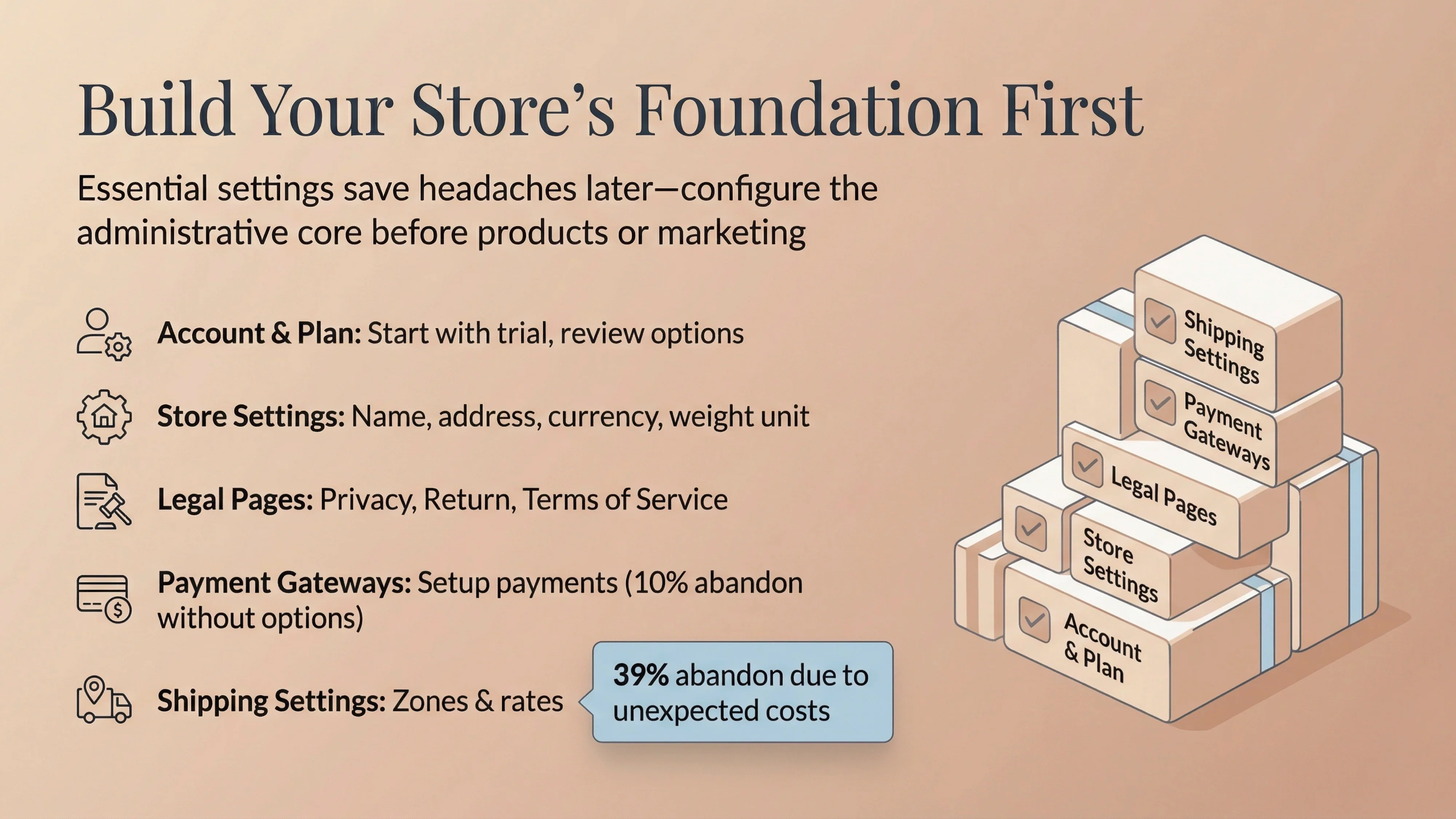
Before you can think about products or marketing, you need to build the house your business will live in. This foundational phase is about configuring the essential settings of your Shopify store. While it may seem tedious, getting these details right from the start will save you significant headaches down the road. Shopify’s own setup checklist provides a detailed roadmap for this process [2].
With your store’s foundation in place, it’s time to focus on what you’re going to sell. This phase is about making smart decisions that minimize risk and maximize your chances of making that first sale.
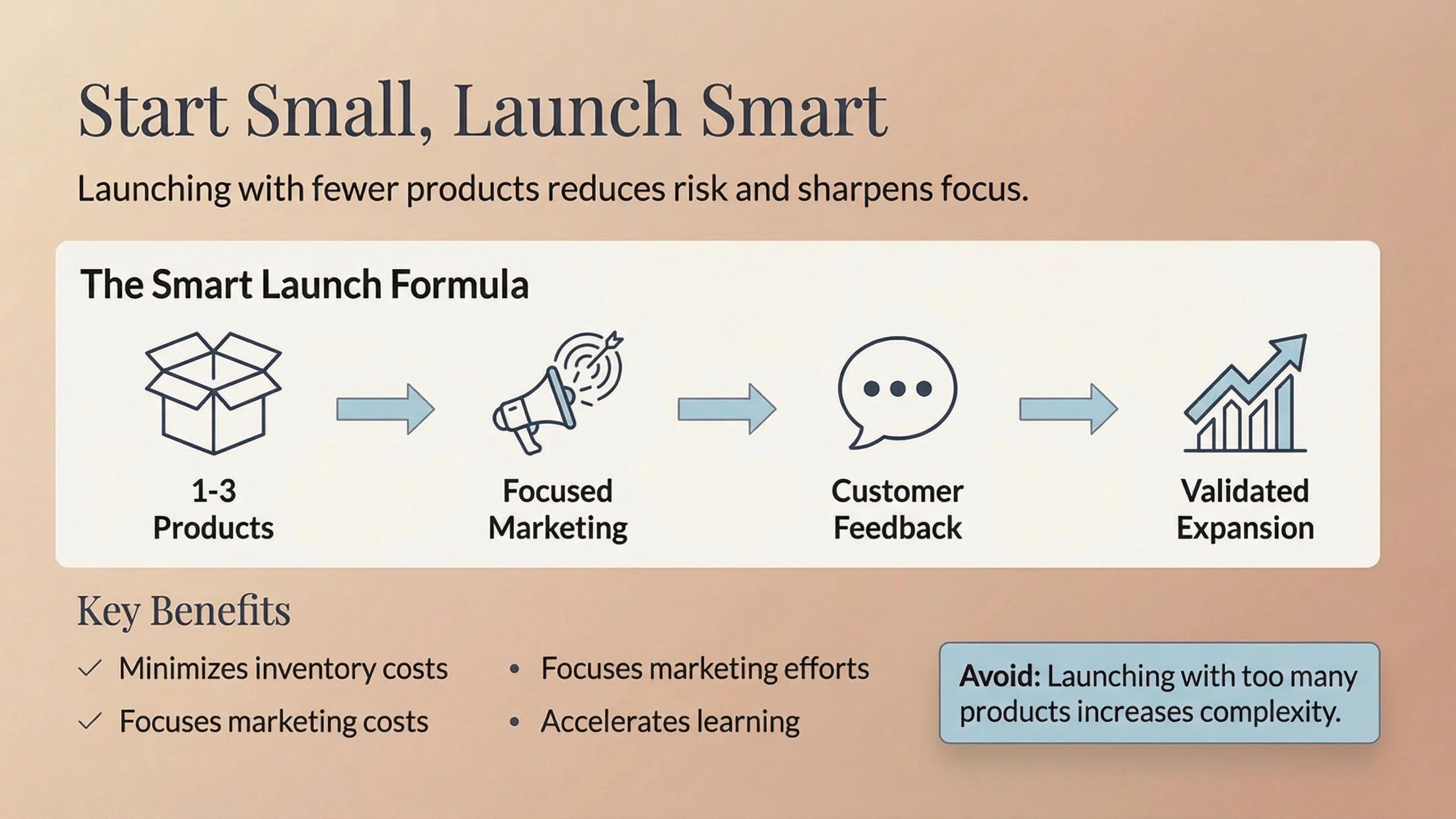
One of the most common mistakes beginners make is launching with too many products [7]. This increases complexity, inventory costs, and the risk of getting stuck with unsold stock. Instead, start with a small, curated selection of products, or even a single hero product. This allows you to focus your marketing efforts and learn what your customers want without a large upfront investment.
Pricing your products correctly is crucial for profitability. A common approach is cost-plus pricing, where you calculate the total cost of your product and add a profit margin [7]. Your profit margin should typically be between 15% and 50% to ensure you’re making money after all expenses are accounted for. Use Shopify’s profit margin calculator to help you determine a selling price that covers your costs (including the product itself, shipping, and marketing) and leaves you with a healthy profit.
Your product page is where the sale is won or lost. Since customers can’t touch or see the product in person, your product page must do all the work of convincing them to buy. According to research from the Nielsen Norman Group, effective product pages are essential for providing the information customers need to make an informed decision [6].
Key elements of a strong product page include:
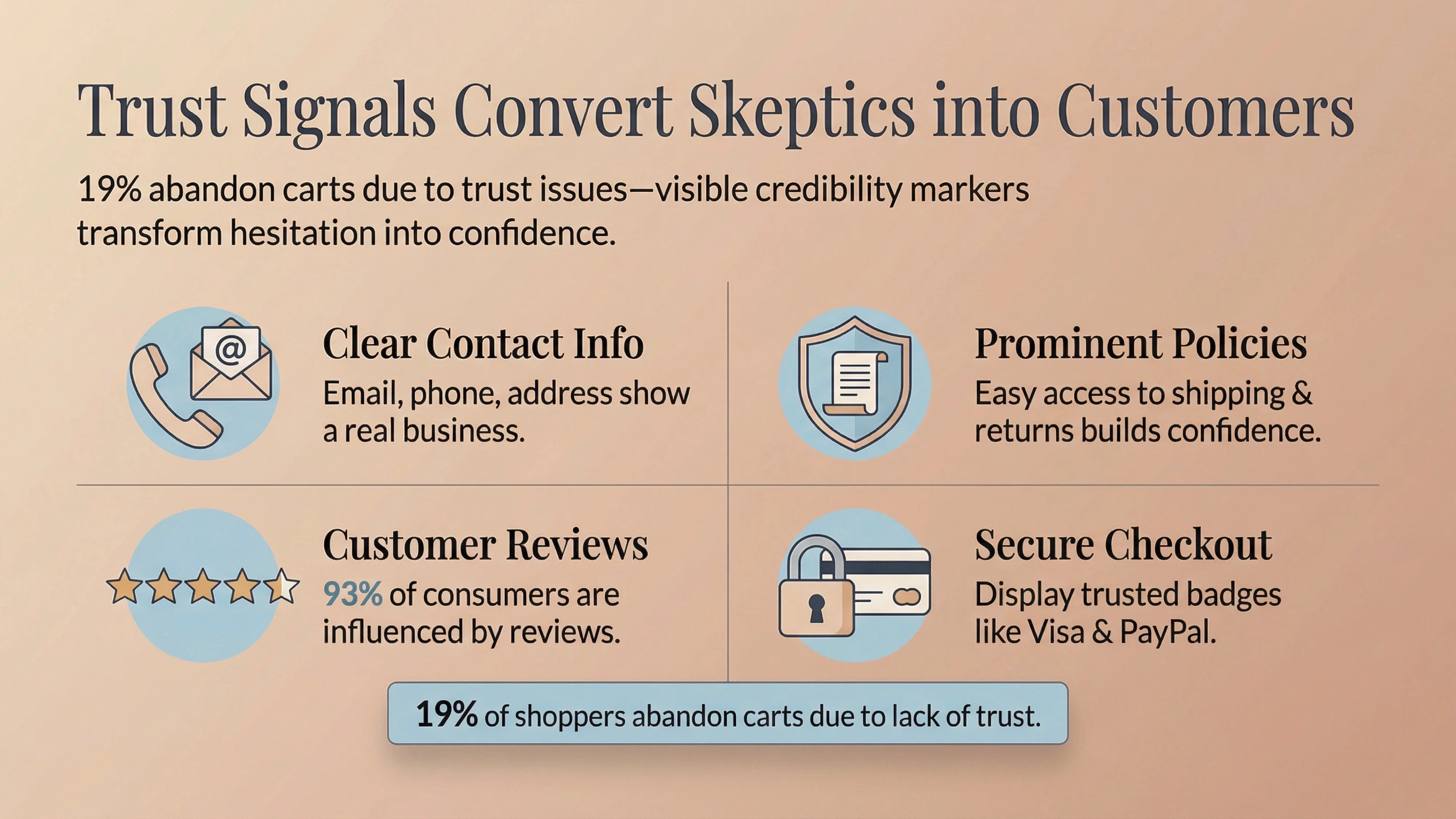
Once a potential customer lands on your site, the experience they have will determine whether they stay or leave. This phase is about building a trustworthy and user-friendly storefront that guides visitors toward making a purchase. Trust is a major factor in online sales; 19% of shoppers abandon their carts because they don't trust the site with their credit card information [3].
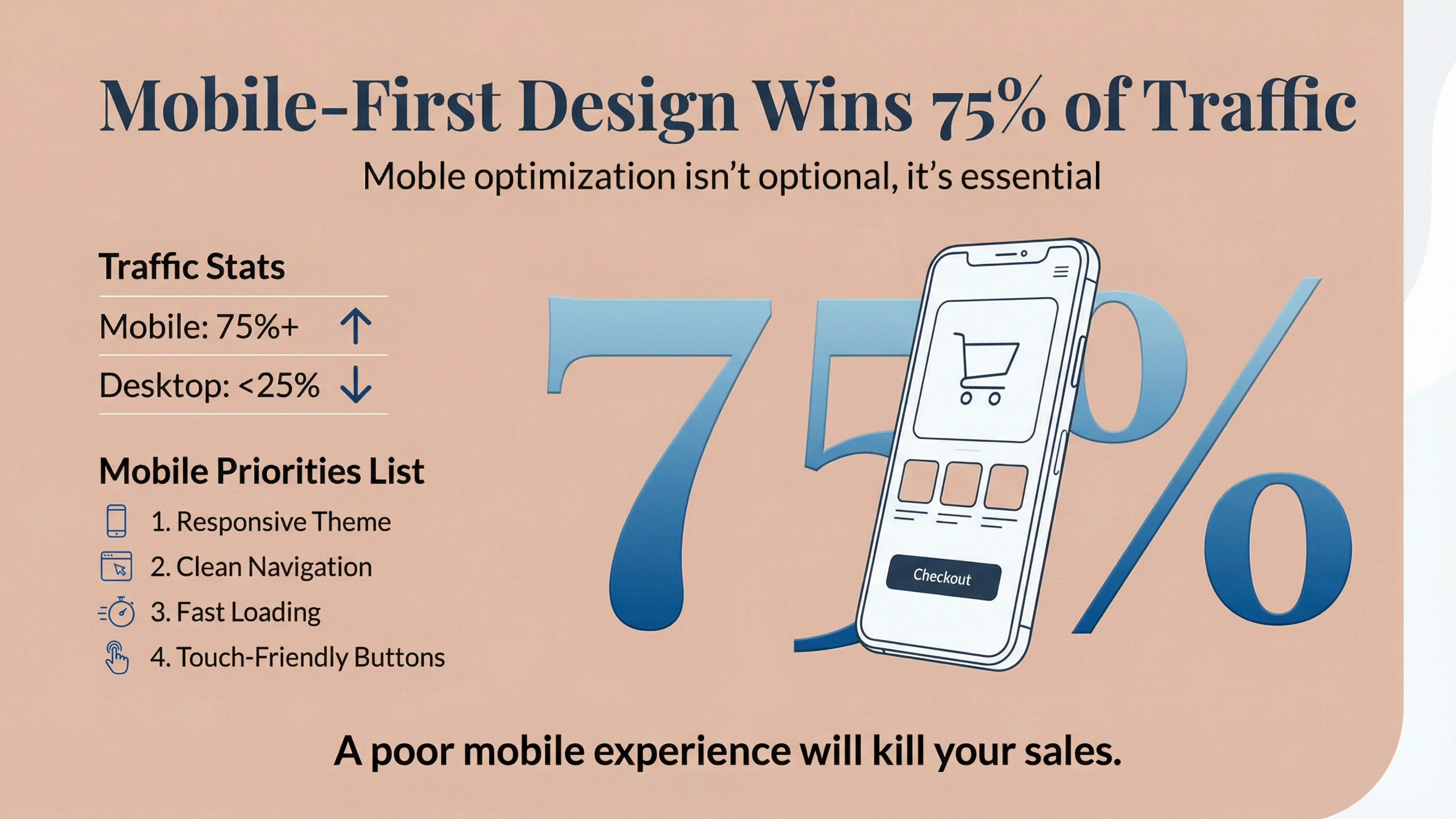
Your Shopify theme is the visual foundation of your store. While it's tempting to over-customize, beginners should focus on a clean, professional theme that is optimized for mobile. In the second quarter of 2025, over 75% of retail site visits worldwide came from smartphones [4]. A poor mobile experience will kill your sales. Choose a theme that is responsive and easy to navigate on a small screen.
Your homepage is your virtual front door. It should immediately communicate what you sell and to whom. Key elements include a clear value proposition, featured products, and easy navigation to your product categories. Don't clutter it with unnecessary information or too many pop-ups.
Trust signals are visual cues that make your store feel legitimate and secure. These include:
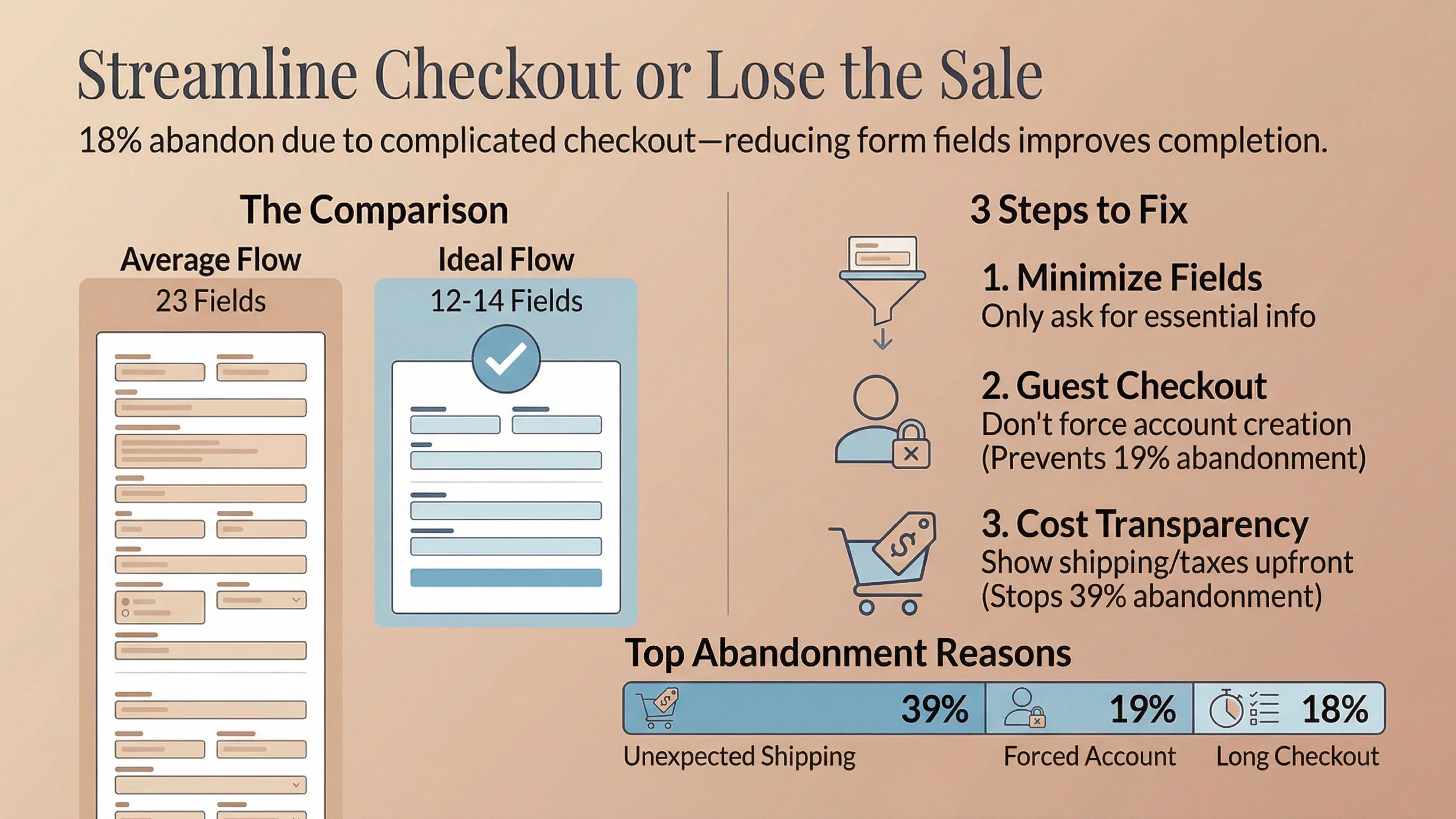
The checkout process is the final hurdle. A long or complicated checkout is a major reason for cart abandonment, with 18% of shoppers leaving for this reason [3]. Baymard Institute research shows that the average checkout flow has 23.48 form elements, but an ideal flow can be as short as 12-14 [3]. To optimize your checkout:
With a fully optimized store, you're ready to attract your first visitors. For beginners, it's crucial to focus on low-cost, high-impact channels before investing heavily in paid advertising - a common and costly mistake [7].
Your first customers are often people you already know. Don't be shy about sharing your new store with friends, family, and your professional network. These early supporters can provide valuable feedback and help generate your first sales. This is a proven strategy, with many successful entrepreneurs reporting their first few sales came from their personal networks [1].
Build a presence on the social media platforms where your target audience spends their time. Create valuable content that educates, entertains, or inspires, rather than just constantly promoting your products. Engaging with niche communities and relevant Facebook groups can also be an effective way to drive targeted traffic without spending a dime [1].
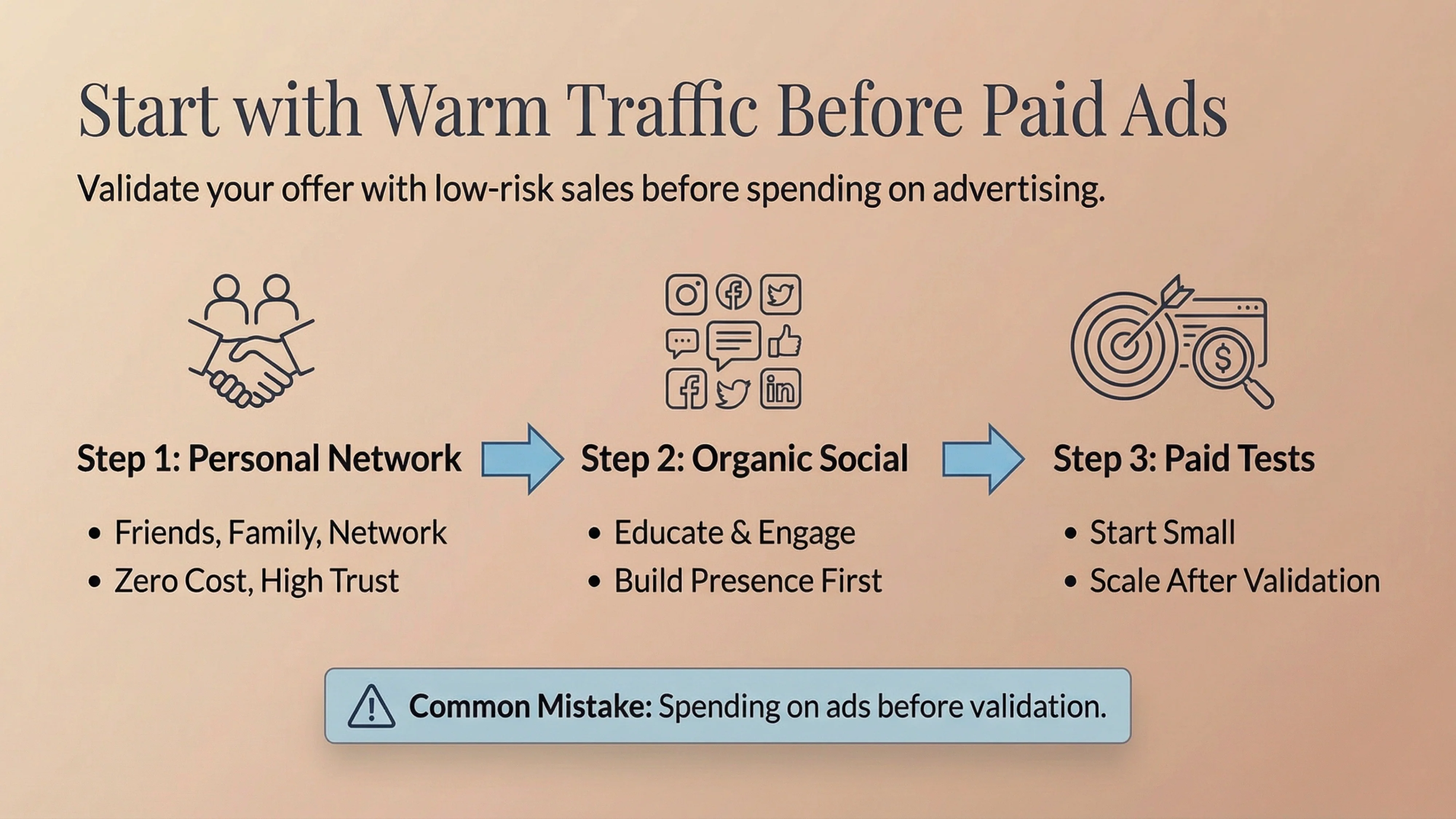
Once you have some initial data and have validated your offer, you can experiment with low-budget paid advertising. Facebook and Instagram ads are powerful tools for reaching a targeted audience. Start with a small budget and focus on a single, clear objective, such as driving traffic to a specific product page. Track your results closely and be prepared to iterate on your ad creative and targeting.
Congratulations, you've made your first sale! But the work isn't over. This final phase is about ensuring a smooth post-purchase experience and learning from your first transaction.
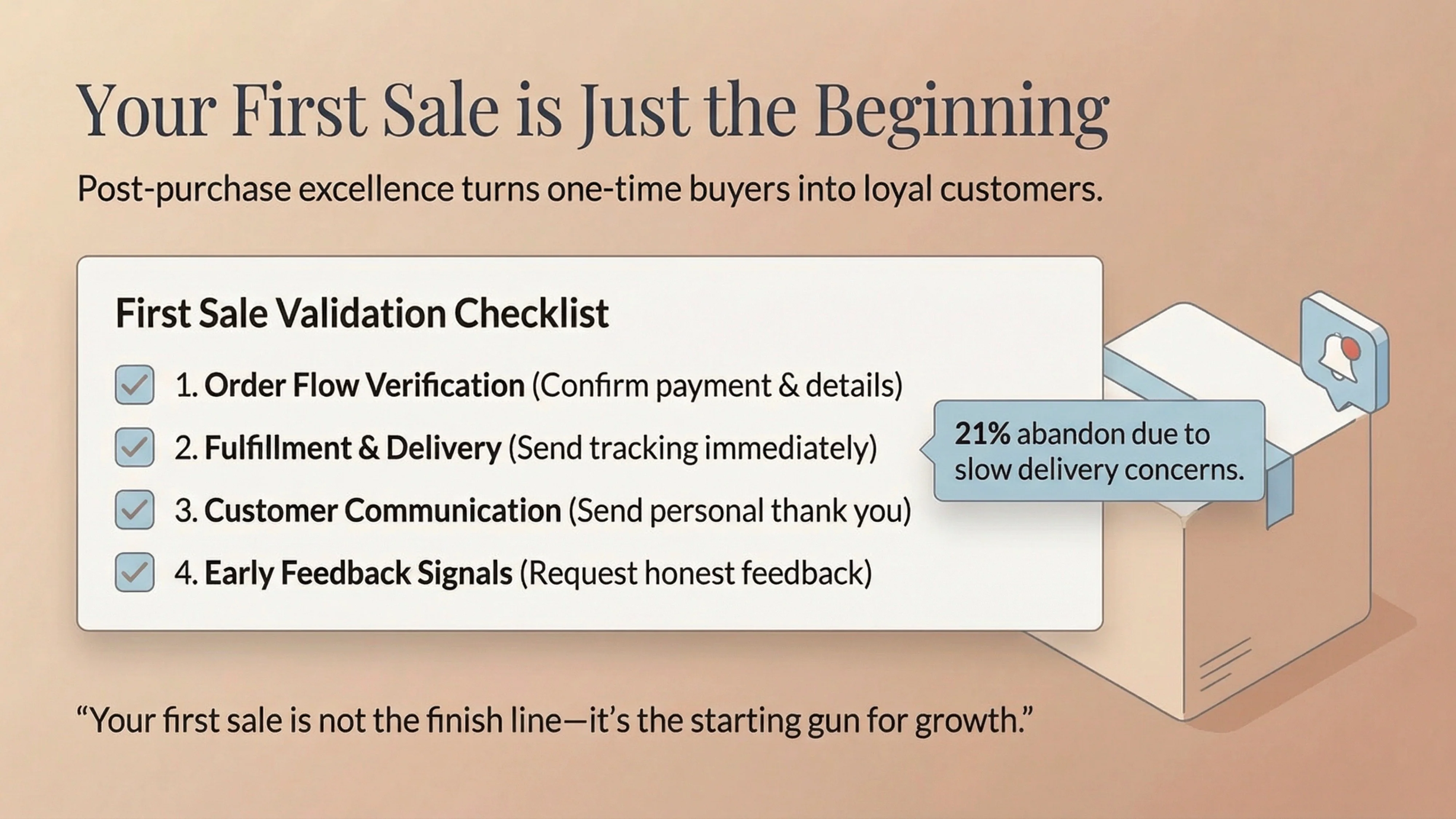
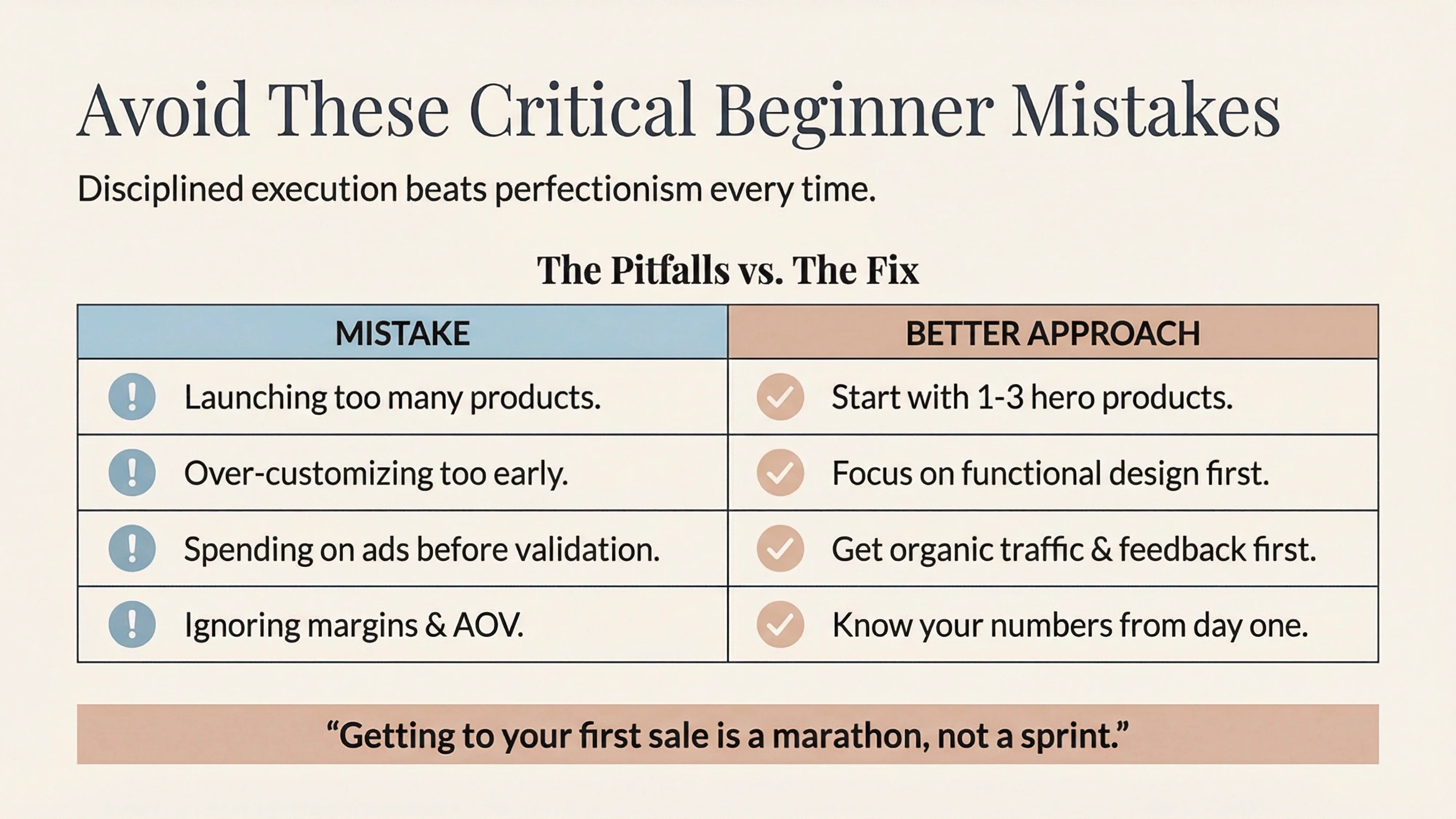
Getting to your first sale is a marathon, not a sprint. It's about clarity, execution, and a relentless focus on the customer. By following this checklist, you're not just building a store; you're building a system for success. The modern ecommerce landscape, powered by platforms like Shopify, has dramatically reduced the risk for new entrepreneurs [5]. The key is to leverage these tools with a disciplined, research-backed approach. Your first sale is not the finish line; it's the starting gun for the next phase of your business growth.
A complete Shopify setup checklist should prioritize the "Foundation Phase" before adding products. This includes configuring your store settings (currency, weight units), legal pages (Privacy Policy, Return Policy), and payment gateways. According to Shopify’s own guidelines, getting these administrative details right creates the necessary infrastructure for your business to function legally and efficiently.
New store owners often jeopardize their success by launching with too many products, which increases inventory costs and complexity. Other critical mistakes include over-customizing the store design instead of using a clean, mobile-first theme, and spending money on paid ads before validating the product with organic traffic.
To ensure profitability, use a "cost-plus" pricing strategy. Calculate the total cost of your product (including goods, shipping, and marketing) and add a profit margin, typically between 15% and 50%. Ignoring margins and Average Order Value (AOV) is a common pitfall; using a profit margin calculator can help you set a price that covers expenses while generating revenue.
Unexpectedly high shipping costs are the number one reason for cart abandonment, affecting 39% of shoppers. Other major friction points include forcing users to create an account (guest checkout is essential), a complicated checkout flow, and a lack of visible trust signals like secure payment badges or clear return policies.
You don't need expensive ads to get your first sale. Start by leveraging your personal network—friends, family, and professional contacts are often the first customers for successful entrepreneurs. Additionally, focus on organic social media content and engaging in niche communities to drive "warm traffic" to your store for free before experimenting with paid advertising.
[1] Shopify. (2026). How To Make Your First Sale. https://www.shopify.com/blog/make-your-first-sale
[2] Shopify Help Center. (n.d.). General checklist for starting a new Shopify store. https://help.shopify.com/en/manual/intro-to-shopify/initial-setup/new-to-shopify-checklists/general-checklist
[3] Baymard Institute. (2025). 50 Cart Abandonment Rate Statistics 2026. https://baymard.com/lists/cart-abandonment-rate
[4] Statista. (2025). Online shopping conversion rate by country 2025. https://www.statista.com/statistics/439576/online-shopper-conversion-rate-worldwide/
[5] McKinsey & Company. (2020). DTC e-commerce: How consumer brands can get it right. https://www.mckinsey.com/capabilities/growth-marketing-and-sales/our-insights/dtc-e-commerce-how-consumer-brands-can-get-it-right
[6] Nielsen Norman Group. (2019). UX Guidelines for Ecommerce Product Pages. https://www.nngroup.com/articles/ecommerce-product-pages/
[7] Shopify Community. (2025). Common Mistakes New Shopify Store Owners Make?. https://community.shopify.com/t/common-mistakes-new-shopify-store-owners-make/581301