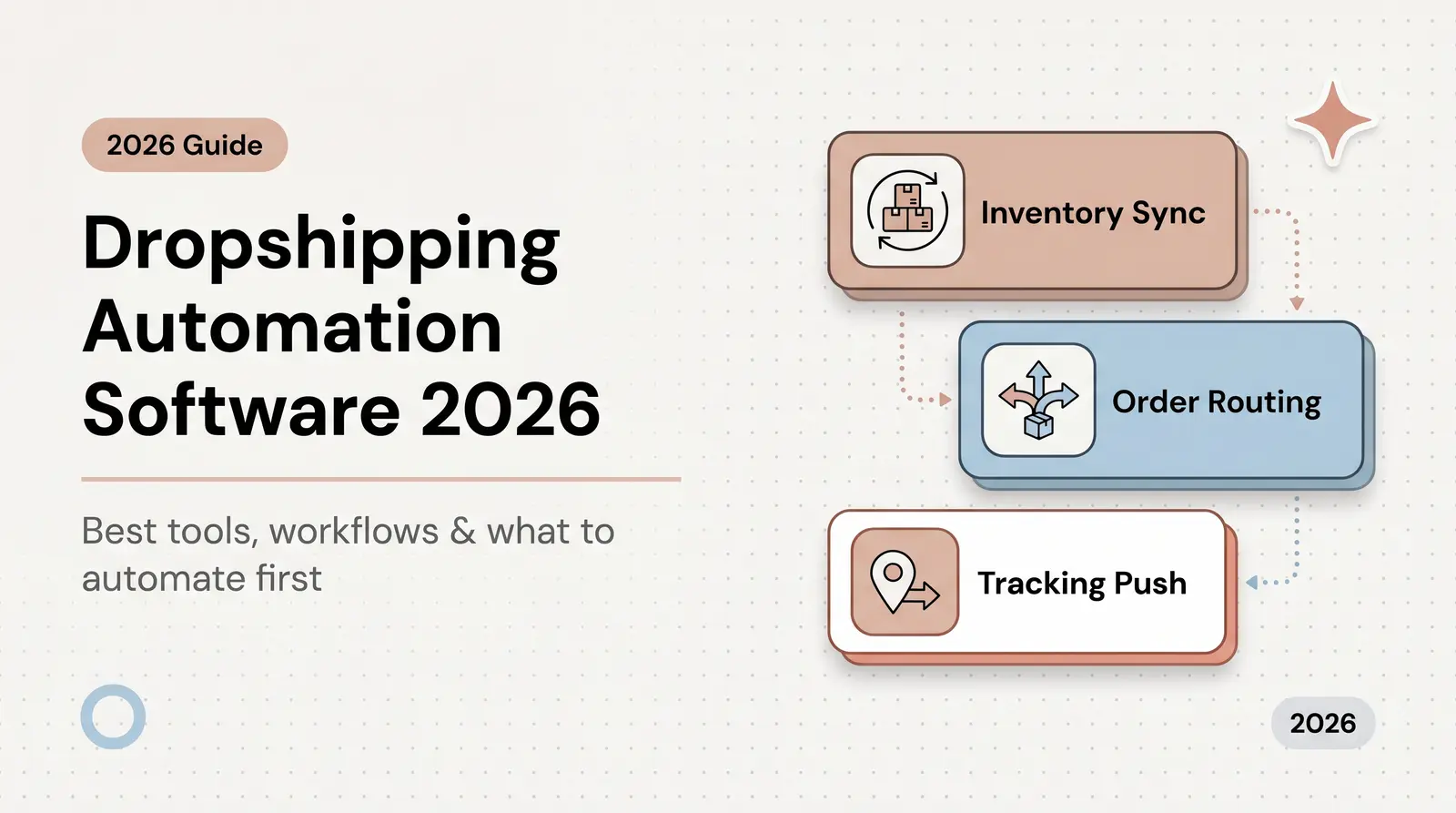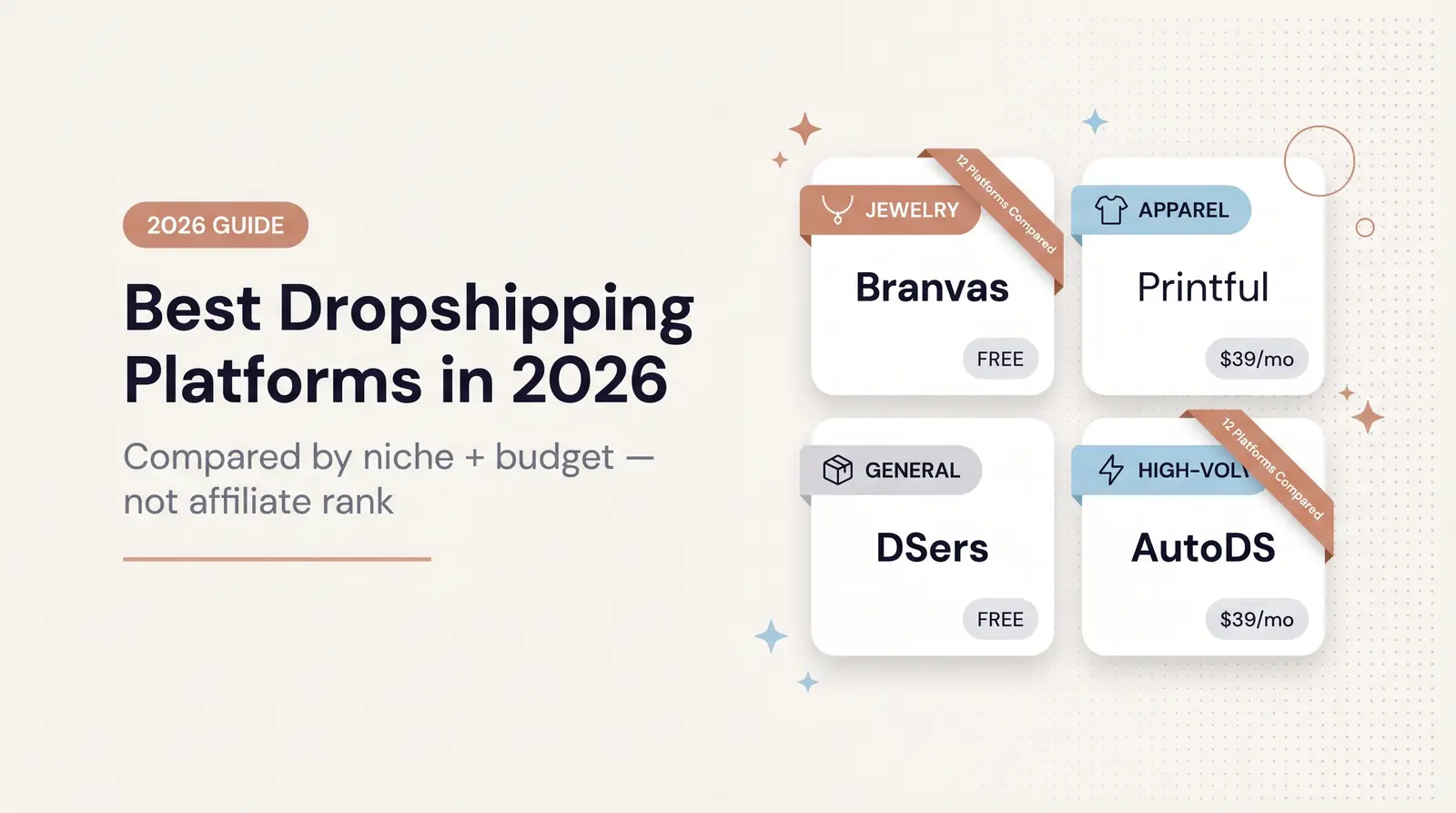



Automatic inventory sync prevents overselling, protects customer trust, and saves time. Connect your Shopify store to supplier stock levels using apps like DSers, Spocket, or Branvas for seamless dropshipping operations.
Published:
January 29, 2026
Author:
Yi Cui
Unlike traditional retail, dropshipping doesn't require you to stock products in a warehouse. Your supplier handles both storage and fulfillment, dramatically reducing your upfront costs and operational complexity. However, inventory management remains absolutely critical to your success. If a supplier runs out of stock and you continue selling a product, you risk overselling, refund requests, canceled orders, and a loss of customer trust.
The solution is automatic inventory synchronization. By connecting your Shopify store to supplier stock levels through apps and APIs, you can ensure accurate, real-time product availability. This guide will walk you through why inventory automation matters, how it works, and which tools can help you scale your dropshipping business without the headaches of manual stock checks.
Overselling is one of the most damaging mistakes a dropshipping business can make. According to research, 66% of consumers say they're less likely to trust a business after an overselling experience, and 1 in 3 customers abandon the brand entirely. Even more concerning, 40% of sellers need to cancel one in ten orders due to inaccurate inventory data.
Beyond protecting customer trust, precise inventory tracking saves you countless hours. Manual stock checks across multiple suppliers and hundreds of SKUs are not only time-consuming but also error-prone. Automation allows you to scale confidently, maintaining clean product feeds for Shopify, Google Shopping, and paid ads—where current availability is essential for ad approval and performance.
Automatic inventory management connects your Shopify store with your supplier's stock data through apps, data feeds, or APIs. These integrations typically use one of two mechanisms:
When suppliers update availability, your product and variant stock levels adjust in real time within Shopify. Many advanced systems also sync price changes and variant data attributes like size, finish, or material in near real time.
You can enhance this further by using Shopify Flow or webhooks to trigger low-stock alerts via email or Slack, allowing you to pause risky SKUs before they sell out. This proactive approach prevents stockouts, protects your ad spend, and preserves your brand’s reliability.
Several Shopify-ready apps and platforms offer robust inventory synchronization for dropshipping stores:
DSers is the official AliExpress partner app, offering automated tracking, stock sync, and bulk ordering capabilities. It's ideal for merchants sourcing from AliExpress and integrates seamlessly with the Shopify App Store.
Spocket connects you with U.S. and EU suppliers, providing automated order processing and inventory synchronization. Their focus on domestic suppliers enables faster delivery times and more reliable stock updates.
Syncee automates product uploads, pricing, and stock updates across multiple marketplaces. It's particularly useful if you're selling on Shopify and additional platforms simultaneously.
CJdropshipping offers an inventory sync toggle that mirrors CJ variant levels directly in Shopify, ensuring your store always reflects current product availability.
AutoDS provides comprehensive price and stock monitoring, automatically updating listings and maintaining your profit margins even when supplier costs fluctuate.
Zendrop delivers real-time inventory updates with a user-friendly dashboard. Note that Shopify requires a placeholder inventory number on import, which Zendrop handles this setup automatically.
Stock Sync is a universal inventory feed sync tool that connects CSV, XML, ERP, or WMS systems to Shopify. It's ideal for merchants working with custom suppliers or multiple data sources.
Important Note: Oberlo was delisted and shut down in 2022, so it's no longer a viable option for new stores.
The benefits of automation go far beyond time savings—they directly influence brand trust and scalability.
While inventory automation is transformative, it's not without challenges:
Challenge: Supplier delays in updating stock levels can still cause overselling.
Solution: Choose apps with real-time API or webhook integrations for faster updates, and keep backup suppliers active for your best-selling products.
Challenge: Supplier price fluctuations can quietly erode your profit margins.
Solution: Use automatic price and stock monitoring tools with rule-based markups to maintain consistent margins and protect profitability.
Challenge: Data sync errors may occur due to technical conflicts or incompatible file formats.
Solution: Schedule routine inventory audits and use a neutral feed tool like Stock Sync to reconcile data across multiple suppliers and platforms.
Inventory automation is now a non-negotiable for Shopify dropshipping success. With global e-commerce sales projected to exceed $6.8 trillion in 2025 and more than 28 million e-commerce stores competing for attention, efficiency has become a true differentiator.
The right systems eliminate manual tracking, prevent overselling, and give you the structure to scale faster—with confidence.
Start by
This three-step foundation protects your customer experience while freeing your time to focus on what matters most—marketing, growth, and brand building.
Once your systems are automated, maintaining momentum means choosing partners built for long-term reliability.
Ready to simplify your backend and scale sustainably? Branvas offers seamless Shopify integration, automated inventory management, and pre-vetted supplier connections—so you can grow your jewelry brand without operational stress or stock surprises.
Build your automated, scalable dropshipping business today—and focus on creativity, not inventory.
Automatic inventory sync connects your Shopify store to your supplier's stock data through apps or APIs. When supplier inventory changes, your store updates automatically—eliminating manual tracking and preventing overselling.
Research shows 66% of consumers lose trust after an overselling experience, and 40% of sellers cancel one in ten orders due to inaccurate inventory. Automation prevents these costly mistakes while saving hours of manual work as you scale.
Top options include DSers (official AliExpress partner), Spocket (U.S./EU suppliers), Syncee (multi-marketplace), CJdropshipping, AutoDS (price monitoring), Zendrop, and Stock Sync for custom feeds. Note: Oberlo shut down in 2022.
Use automatic inventory sync apps, set stock-threshold alerts through Shopify Flow, auto-hide out-of-stock products, and partner with multiple suppliers for best-sellers. These systems stop sales before inventory runs out.
Branvas provides automatic inventory synchronization through native Shopify integration. All published products maintain accurate stock levels through bidirectional sync—you never track inventory manually, and the system prevents overselling automatically.